
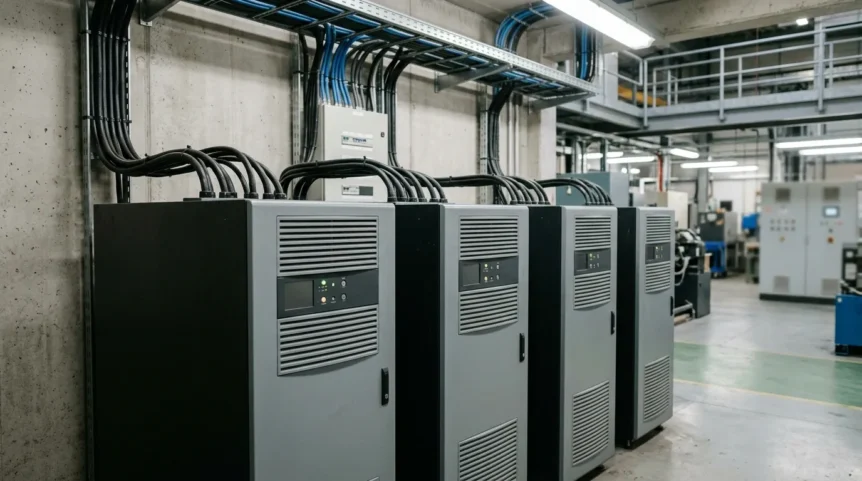
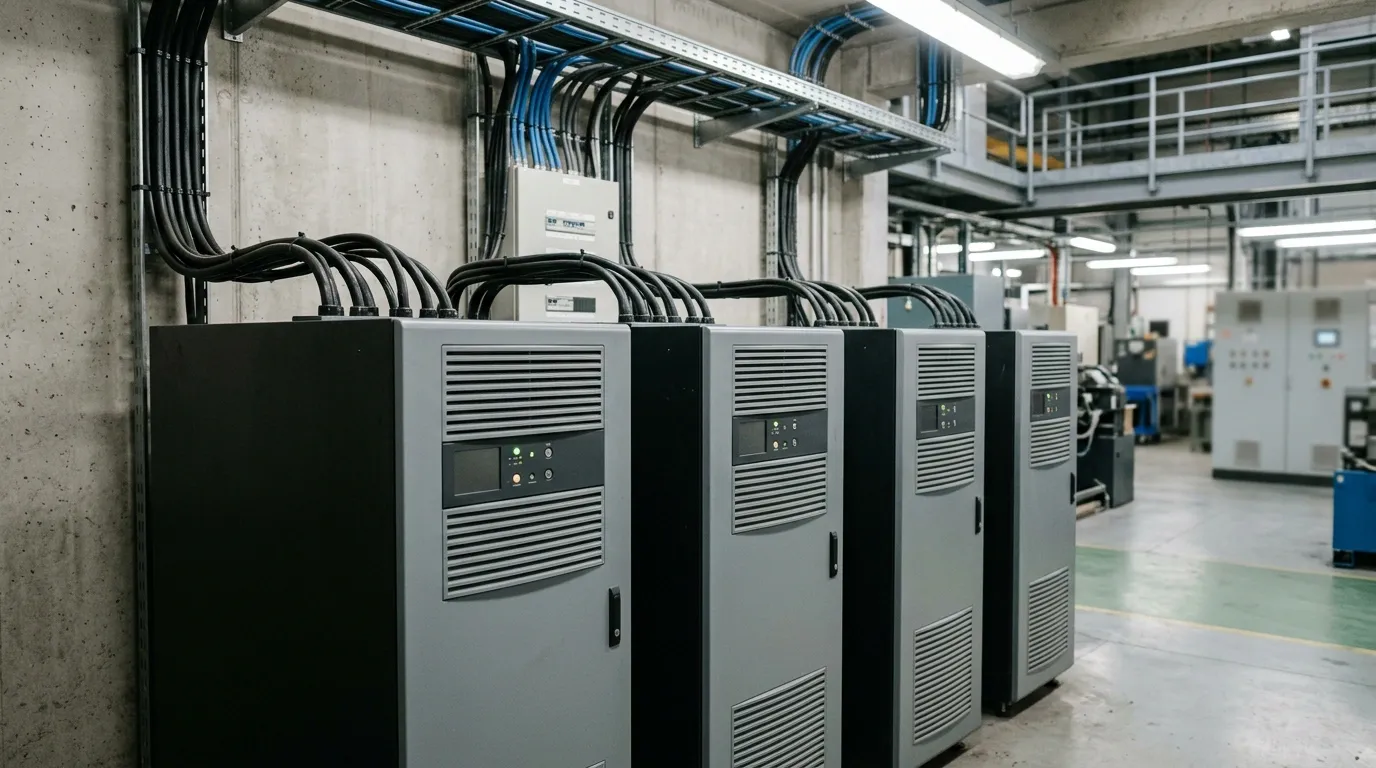
Modern enterprises rely heavily on continuous electrical power supply to drive daily commercial operations. Deploying robust commercial ups systems ensures that unexpected grid disruptions do not paralyze critical business infrastructure.
These specialized units maintain operational continuity across offices, retail stores, and data facilities. Partnering with expert providers like sps-sales.com guarantees tailored power protection for every commercial application.
Key Takeaways:
- Commercial UPS systems provide continuous power and voltage regulation to prevent data loss and hardware damage.
- UPS architectures range from cost-effective standby units to line-interactive models and zero-transfer-time online double-conversion systems.
- Selecting the right UPS requires evaluating total power load in kVA/kW with 20–30% growth headroom.
- High-availability setups benefit from N+1 redundancy configurations to eliminate single points of failure.
- Integrating SNMP management cards enables real-time remote monitoring of battery health and operating parameters.
Comprehensive Guide to Commercial UPS Systems: Securing Business Continuity & Power Reliability
A commercial uninterruptible power supply delivers emergency backup energy and precise voltage regulation to commercial facilities. It safeguards essential operations in corporate offices, retail spaces, and public enterprise buildings.
Without reliable backup, sudden blackouts cause server crashes, corrupted databases, and costly equipment failure. Solutions from sps-sales.com supply clean, continuous electricity to eliminate operational downtime and financial risks.
Read Also: Trusted UPS System Supplier for Your Business Needs
Understanding the Core Architectures: Types of Commercial UPS Systems
Selecting the right power architecture depends on specific equipment sensitivity and power tolerance. Commercial facilities utilize three main topologies: standby, line-interactive, and online double-conversion.
1. Standby (Offline) UPS Systems: Cost-Effective Backup for Non-Critical Loads
A standby ups system remains idle during normal power conditions while passing utility electricity directly to connected devices. When a utility outage occurs, the internal inverter activates to provide battery energy storage.
This topology features a typical switchover time of 6 to 8 milliseconds. It offers an economical power solution for non-essential administrative PCs, desktop printers, and basic office peripherals.
2. Line-Interactive UPS Systems: Active Voltage Regulation for Commercial & Retail Environments
A line-interactive ups incorporates built-in automatic voltage regulation to handle frequent power fluctuations. It dynamically adjusts minor voltage sags and surges without draining the internal battery.
This active conditioning significantly extends overall battery lifespan while preserving reserve energy. It serves as an ideal solution for point-of-sale systems, branch network racks, and VoIP communications.
3. Online Double-Conversion UPS Systems: Zero Transfer Time for Mission-Critical IT Infrastructure
An online double-conversion ups continuously converts incoming AC power into DC, then back into conditioned AC output. This process isolates connected hardware from grid noise, spikes, and total harmonic distortion.
With a absolute zero transfer time, it guarantees uninterrupted electricity for sensitive enterprise electronics. It represents the industry benchmark for enterprise server rooms, data centers, and critical IT hubs.
Key Features, Capacities, and Physical Configurations of Commercial UPS Systems
Evaluating physical attributes and electrical capacities ensures seamless integration into existing infrastructure. Modern commercial units offer varied power outputs, housing styles, and operating parameters.
1. Scalable Power Ranges: Sizing From 1 kVA Branch Offices to 1 MVA Enterprise Facilities
Commercial capacity spans from compact 1 kVA units to massive 1 MVA modular ups architectures. Small setups protect localized branch offices, while larger frames support entire corporate campuses.
Calculating apparent power in kVA against real power in kW ensures accurate system sizing. Facility engineers should include a 20 to 30 percent growth headroom for future utility expansion.
2. Commercial UPS Form Factors: Adapting to Space and Installation Constraints
Tower ups units feature a standalone footprint suited for open office corners and small administrative closets. They provide straightforward installation without specialized mounting hardware.
Alternatively, rack-mounted ups enclosures fit standard 19-inch IT server cabinets to conserve floor space. Modular scalable frames allow hot-swappable power modules for flexible expansion.
3. Operating Environments: Indoor Commercial Office vs. Rugged Industrial Requirements
Commercial power systems are engineered specifically for climate-controlled indoor environments and datacenter facilities. They depend on steady HVAC temperature control to maintain optimal battery health.
Unlike heavy industrial units, they are not designed for high-vibration or dust-heavy industrial shop floors. Deploying them in clean environments maximizes operational lifespan and component reliability.
Business Benefits of Investing in High-Performance Commercial UPS Solutions
Investing in high-performance backup infrastructure safeguards corporate revenue streams against unexpected electrical grid failures. It provides essential risk mitigation for data-dependent enterprise operations. Clean power conditioning also extends the service life of expensive IT hardware assets.
1. Protecting Revenue and Preventing Operational Downtime in Retail and Offices
Unplanned power outages disrupt point-of-sale transactions, drop customer calls, and corrupt critical database files. These interruptions cause direct financial losses and harm corporate brand reputation.
Installing a reliable commercial backup system ensures seamless business continuity during utility disruptions. It protects revenue streams and maintains high workforce productivity levels.
2. Hardware Protection and Battery Maintenance Management
Clean electricity minimizes physical stress on internal switch-mode power supplies within sensitive office devices. It prevents gradual component degradation caused by line noise and voltage spikes.
Implementing scheduled maintenance for valve-regulated lead-acid or lithium-ion batteries ensures long-term system health. Proactive replacement cycles prevent unexpected battery bank failures during power emergencies.
How to Choose the Right Commercial UPS System for Your Facility
Selecting the ideal power backup solution requires systematically evaluating critical facility metrics to match long-term operational goals. Facility managers must analyze structural power demands, physical space, and network infrastructure to build a resilient energy strategy.
1. Calculating Total Electrical Load and Power Requirements
Accurately sizing a system begins with calculating cumulative apparent power demands measured in kVA alongside real power in kW. Engineers must aggregate the energy consumption of all connected equipment to prevent hazardous system overloads.
Including additional growth headroom ensures the infrastructure accommodates future hardware expansion without requiring immediate system replacements. Proper sizing guarantees reliable performance during peak operational stress.
2. Determining Battery Autonomy and Desired Backup Runtime
Facilities must establish their required backup runtime to sustain critical operations during extended power disruptions. Determining battery autonomy depends on whether the system needs to support full shift operations or merely grant time for safe system shutdown.
Integrating extended battery modules or standby generator systems provides prolonged emergency coverage for sensitive enterprise environments. This strategic planning prevents data corruption and operational loss during lengthy blackouts.
3. Evaluating Space Allocation and Physical Form Factors
Physical layout constraints dictate whether a facility should deploy standalone tower ups units, space-saving rack-mounted configurations, or modular scalable frames. Matching system housing with available room dimensions ensures efficient airflow and simple maintenance access.
Proper spatial planning optimizes floor utilization inside IT closets, server rooms, and enterprise utility areas. It also prevents thermal buildup by maintaining proper clearance around equipment enclosures.
4. Planning Redundancy Levels for Mission-Critical Availability
High-availability environments often require implementing an N+1 redundancy architecture to eliminate single points of failure. This configuration ensures continuous power delivery even if an individual power module requires maintenance or experiences an internal fault.
Integrating parallel redundant systems safeguards continuous uptime for sensitive digital infrastructure and high-density data hubs. It provides uninterrupted operational continuity for non-stop enterprise applications.
5. Integrating Network Management and Remote Monitoring Capabilities
Modern installations require advanced SNMP management cards to enable real-time status tracking across the corporate network. These interfaces deliver automated alerts regarding battery health, input voltage anomalies, and ambient temperature changes.
Remote visibility enables IT personnel to address potential power issues proactively before they trigger operational downtime. Intelligent monitoring simplifies multi-site management across distributed commercial facilities.
References:
- Roth, T. (2026, June 11). Hospital backup power: Risks and emergency systems. MEDICA Magazine. https://www.medica-tradefair.com/en/media-news/spheres-of-medica-magazine/medtech-devices/power-security-hospitals.
- Varga, M., & Hromada, M. (2023). Solving power outages in healthcare facilities: Algorithmisation and assessment of preparedness. Energies, 16(1), Article 457. https://doi.org/10.3390/en16010457.