
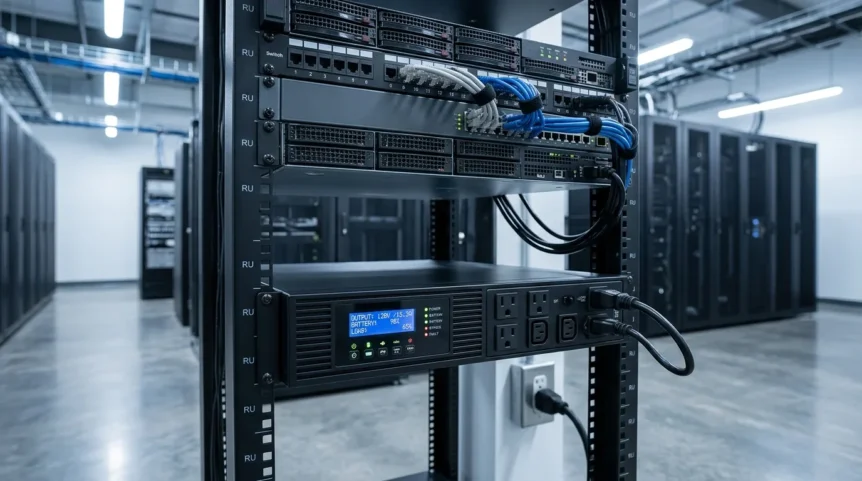
A reliable infrastructure demands uninterrupted power to prevent catastrophic operational failures. Implementing a specialized backup power device ensures that your digital assets remain secure during unexpected grid anomalies.
Modern network centers rely heavily on horizontal hardware deployment to maximize spatial efficiency. Integrating an enterprise-grade power system safeguards critical data and preserves continuous hardware functionality.
Introduction to Rack Mount UPS
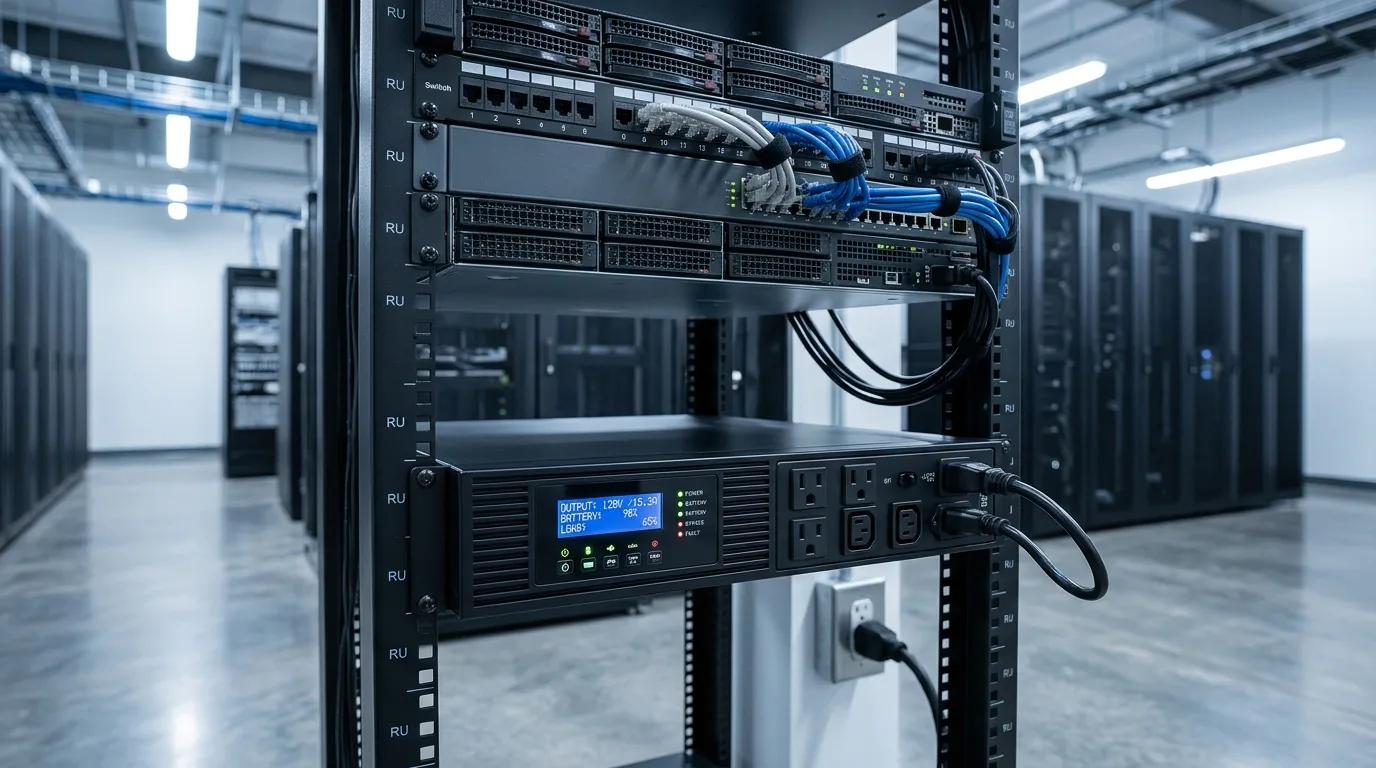
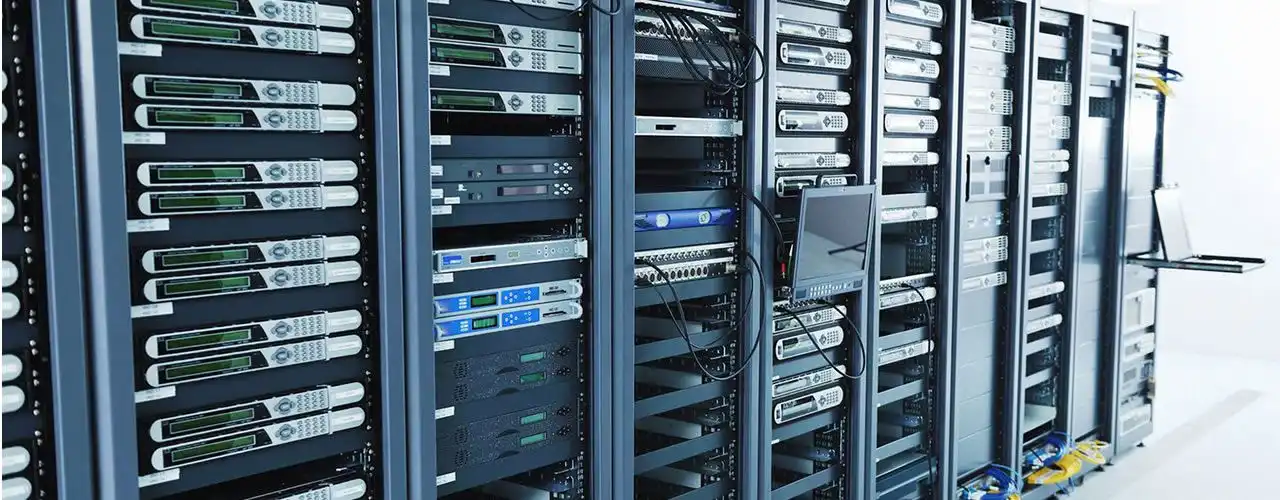
Data center server racks with connected cables and power supply, showcasing modern IT infrastructure.
A Rack Mount UPS is an essential power backup solution built specifically for seamless horizontal installation. It fits perfectly inside a standard 19-inch server rack or enclosed IT cabinet setups.
This specialized equipment is absolutely vital for maintaining the continuous runtime of expensive equipment. It keeps enterprise servers, network switches, and critical hardware online during sudden blackout events.
Read Also: What Is a Modular UPS? Its Benefits and How It Works
Primary Functions of a Rack Mount UPS
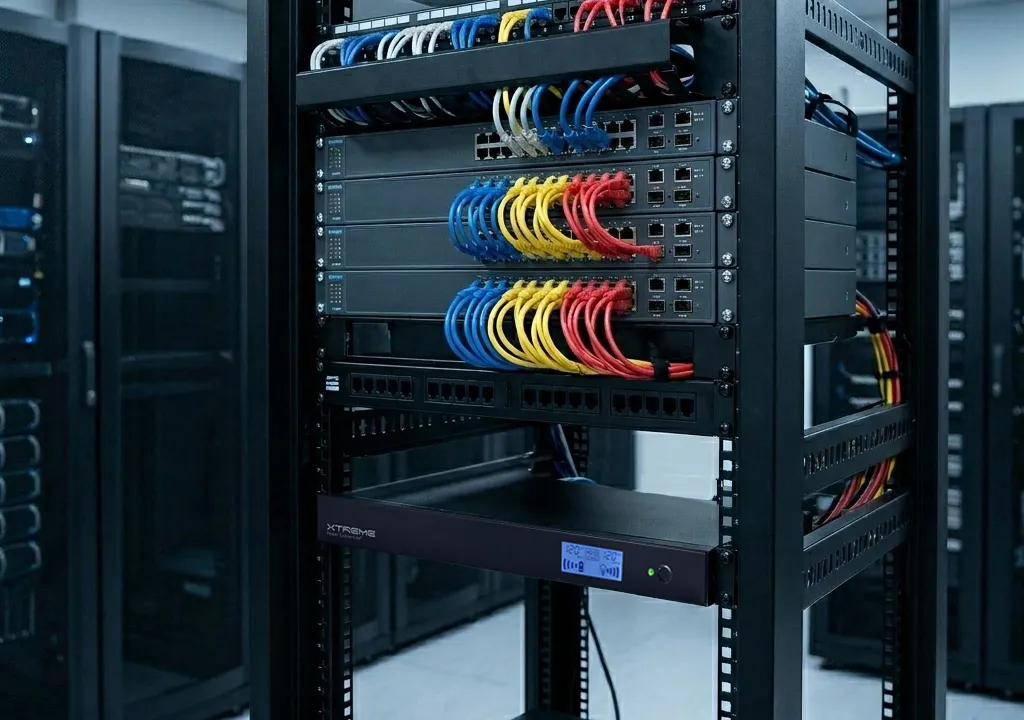
Primary Functions of a Rack Mount UPS
Deploying this equipment inside your server enclosure serves several core operational purposes. It mitigates structural electrical risks while maintaining seamless business continuity across your entire digital framework.
1. Comprehensive Power Protection and Filtration
The primary mechanism inside this device actively filters continuous harmful electrical anomalies. It shields your sensitive electronics from dangerous power surges, spikes, and voltage sags.
By neutralizing these unexpected fluctuations, it delivers clean and regulated power directly to your hardware. This stable energy flow extends your equipment lifespan and prevents component degradation.
Read Also: Static Transfer Switch: Components, How It Works & Benefits
2. Preventing Costly Infrastructure Downtime
When primary utility power cuts out, the system instantly deploys emergency battery backup power. This rapid transition eliminates service gaps and prevents highly expensive infrastructure downtime.
Keeping your network operations live preserves your corporate reputation and consumer accessibility. It guarantees that critical database transactions face zero disruption during grid failures.
3. Enabling Safe and Automated System Shutdown
The integrated backup supply buys valuable emergency runtime for system administrators and automation software. It allows specialized programs to execute a graceful, sequential shutdown sequence for servers.
This organized closing method completely prevents severe operating system errors and data corruption. It ensures all digital assets are safely stored before the reserve power empties.
Form Factor and Capacity Specifications
Understanding physical dimensions and electrical limitations is vital for successful infrastructure planning. IT professionals must analyze technical space requirements to optimize their cabinet layouts.
1. Understanding Physical Height and Rack Units (U)
Physical hardware height inside data enclosures is measured using standard rack units. A single unit denoted as 1U is precisely equivalent to 4.45 cm.
Most rack-mounted power supplies occupy a form factor ranging between 1U and 4U dimensions. This low-profile vertical footprint allows them to stack efficiently alongside dense networking gear.
2. Power Capacity Spectrum: From VA to kVA
The total electrical output of these units spans a highly flexible capacity spectrum. Smaller remote setups typically require compact systems ranging from 500VA to 1500VA capacity.
In contrast, large-scale data facilities deploy heavy enterprise models reaching 10kVA or higher. Matching your exact load requirements prevents equipment overloading and system failures.
Key Types of Rack Mount UPS Topologies
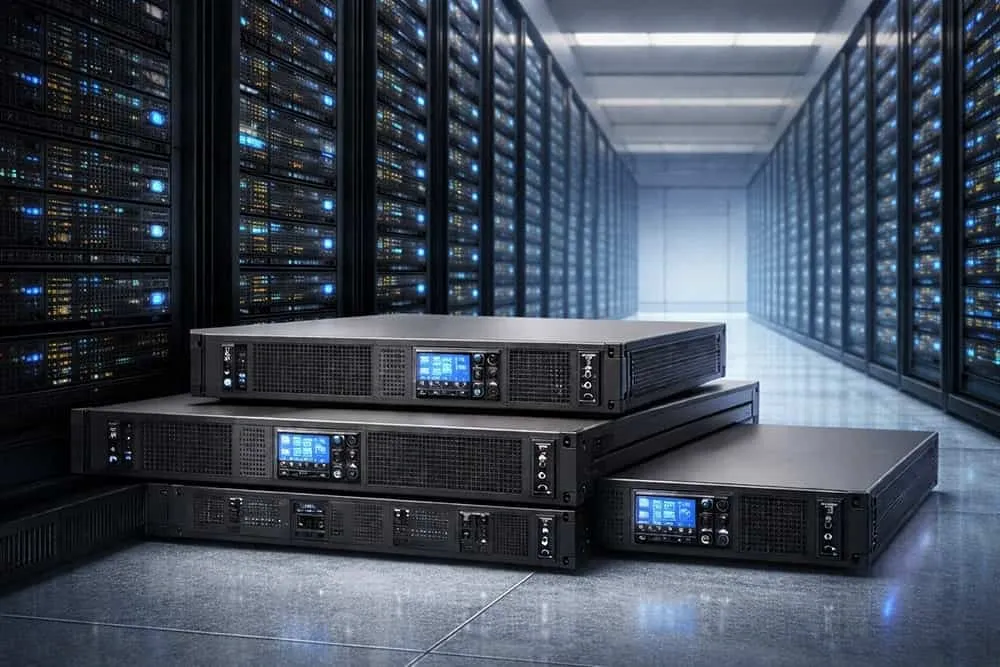
Key Types of Rack Mount UPS Topologies
Internal architecture determines how a backup system handles utility power distribution. Selecting the appropriate topology depends entirely on your specific hardware sensitivity levels.
1. Offline (Standby) UPS
An offline UPS topology keeps its internal inverter on standby during standard operations. It switches over to battery reserves only when the primary electrical supply dies.
This specific transfer process involves a brief operational break of a few milliseconds. It represents an economical option best suited for resilient, non-critical office hardware.
Read Also: What is a 3 Phase UPS? Working Principles & Benefits
2. Line-Interactive UPS
The line-interactive UPS design includes an advanced internal automatic voltage regulator. This component smoothly balances minor, everyday voltage fluctuations without draining the internal batteries.
By preserving battery health, it ensures the system is fully charged for true emergencies. It provides a balanced, mid-tier solution for standard business network racks.
3. Online Double Conversion UPS
An online double conversion UPS constantly filters power by converting AC to DC, then back to AC. This premium process ensures zero-millisecond transfer delay during a sudden blackout.
It delivers the absolute cleanest sine wave electricity to highly sensitive enterprise environments. This topology is the industry standard for protecting mission-critical database servers.
Battery Chemistry and Runtime Capabilities
The internal energy storage cells dictate how long your infrastructure can survive without grid power. Choosing the right chemistry fundamentally impacts your long-term operational maintenance costs.
1. Battery Types: Sealed Lead-Acid vs. Lithium-Ion
Traditional configurations rely on economical but heavy sealed lead-acid battery cells. While cost-effective upfront, they require substantial space and have a shorter operational lifespan.
Modern deployments increasingly favor advanced lithium-ion battery alternatives because they are lightweight. They boast significantly longer lifespans, higher thermal resistance, and feature rapid charging capabilities.
Read Also: The Best Power Distribution Solution for Your Needs
2. Standard Backup Runtimes and External Battery Packs
Average internal battery configurations typically offer 5 to 30 minutes of runtime under load. This window is generally sufficient to bridge the gap until secondary generators activate.
For setups needing extended standalone runtime, technicians can install modular external battery packs. These extra units mount directly into the rack to scale up capacity.
Essential Internal Components of a Rack UPS
A standard system combines several advanced modules working together to manage power distribution safely. Inside the chassis, a rugged rectifier converts incoming alternating current into direct current. This current charges the internal battery pack while the inverter shifts power back to clean AC output.
An automated bypass system acts as a safety valve, routing grid power directly if internal electronics fail. Heavy-duty cooling fans constantly regulate internal temperatures to protect the machinery. IT teams must remember that batteries are consumable items requiring routine wellness checks and replacement.
Advantages and Disadvantages of Rack Mount UPS Systems
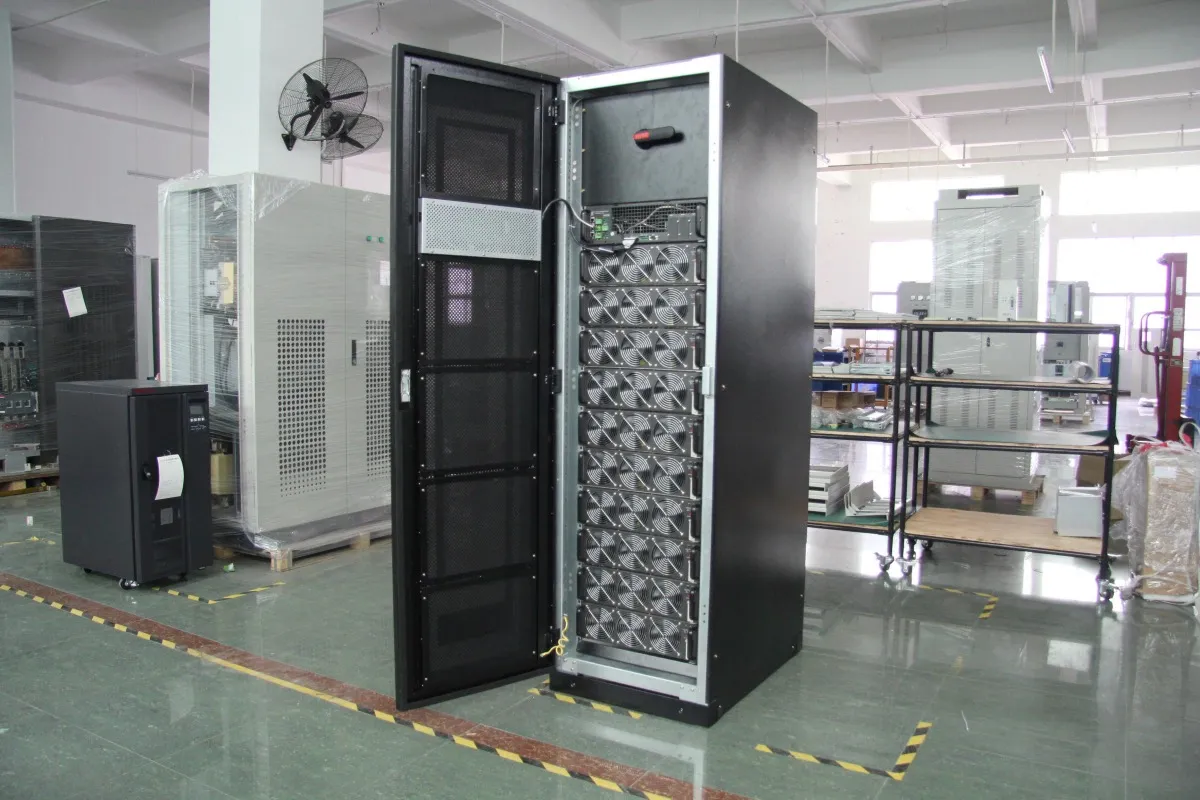
Advantages and Disadvantages of Rack Mount UPS Systems
Evaluating structural trade-offs helps data center managers optimize their equipment budgets. Horizontal units offer unique space benefits but introduce specific physical weight limitations.
1. The Pros: Optimizing Space and Neat Cable Management
Horizontal form factors provide exceptional spatial efficiency within dense data cabinets. They consolidate power management into the same vertical frame as the computing hardware.
This layout encourages neat cable management practices and reduces dangerous clutter behind server doors. It streamlines overall infrastructure organization and simplifies routine hardware troubleshooting.
Read Also: Data Center UPS Systems: Functions and How They Work
2. The Cons: Heavy Weight Overhead and Premium Pricing
The primary drawback stems from the substantial weight concentrated in a compact chassis. This heavy overhead demands highly durable server racks capable of supporting massive loads.
Additionally, these specialized units carry a noticeable premium pricing barrier. They cost significantly more than standard vertical tower models with similar capacities.
Crucial Tips for Choosing the Right Rack Mount UPS
Crucial Tips for Choosing the Right Rack Mount UPS
System deployment requires careful calculations to ensure absolute safety and continuous uptime. Purchasing managers must follow strict guidelines to avoid hardware compatibility mistakes.
1. Accurate Power Load Calculation (Watts)
Before purchasing, calculate the total power consumption of all connected network devices. Ensure the final number represents actual wattage requirements rather than raw volt-amps.
Always maintain a safe operating buffer zone by limiting load to 80% capacity. This safety margin accommodates future infrastructure expansion and prevents unexpected system overloads.
2. Evaluating Structural Rack Weight Capacity and Placement
Always verify the maximum physical weight limits of your standing server enclosures. Internal battery systems add severe load strains to individual mounting rails and brackets.
Position heavy power equipment at the bottom tier of your rack layout. This placement lowers the center of gravity and maintains proper cabinet balance.
3. Prioritizing Intelligent Remote Monitoring Features
Select backup models equipped with advanced network management cards. Utilizing protocols like SNMP allows administrators to track power performance from remote locations.