
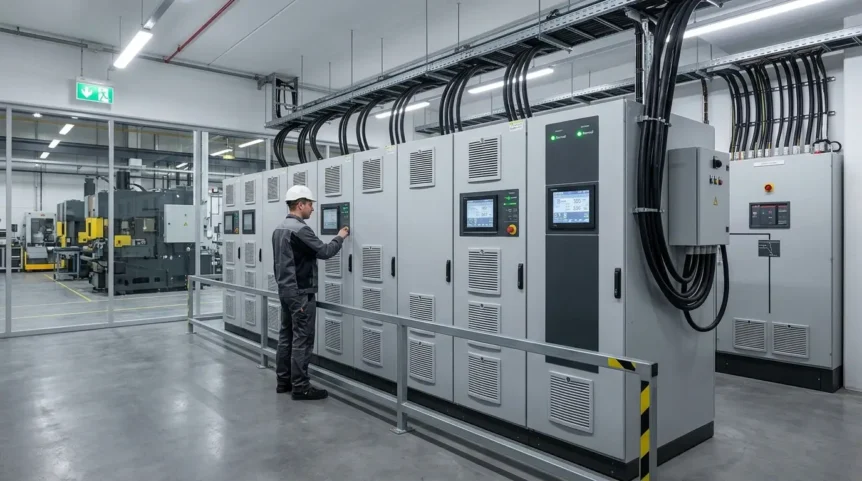
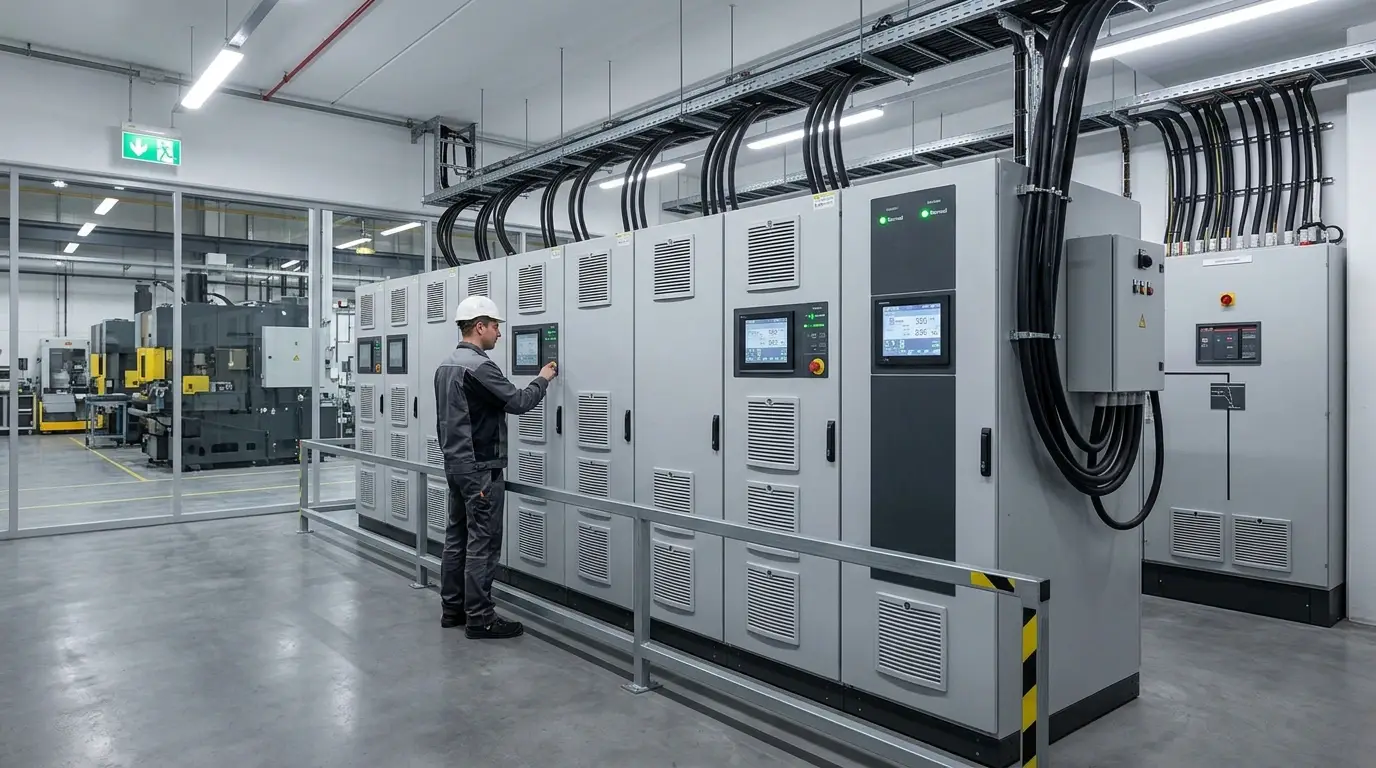
A UPS backup power system provides temporary, reliable electricity when the main power source fails. It protects critical equipment from interruptions, voltage fluctuations, and other electrical disturbances that can cause operational disruption.
Sudden power outages and voltage spikes can silently damage digital assets, corrupt data, interrupt critical operations, and shorten equipment lifespan. Understanding how a UPS works helps businesses choose the right system for reliable protection.
Key Takeaways:
- UPS systems provide backup power and protection against outages, voltage fluctuations, and electrical disturbances.
- A UPS helps maintain business continuity, prevent data loss, and protect sensitive electronic equipment during power disruptions.
- Standby, line-interactive, and online double-conversion UPS systems offer different protection levels for different applications.
- Proper UPS sizing requires evaluating total load, required runtime, equipment sensitivity, and available capacity headroom.
- Regular maintenance, proper ventilation, overload prevention, and battery testing help maximize UPS reliability and service life.
Key Benefits: Why You Need a UPS Backup Power System
UPS backup power systems provide more than emergency electricity: they form a critical power protection layer that supports availability, protects connected equipment, and reduces operational risks caused by unstable utility power.
1. Business Continuity

Why You Need a UPS Backup Power System? For Business Continuity
A reliable UPS helps maintain business continuity by transferring critical loads to battery power when utility electricity fails. This temporary autonomy keeps servers, networking equipment, and essential operations functioning during blackouts.
By preventing immediate shutdowns, UPS systems preserve service availability while organizations activate generators, restore utility power, or execute controlled recovery procedures. This is particularly valuable for data centers and other mission-critical environments.
Read Also: Data Center Solutions: Guide to Scalable Infrastructure
2. Data Loss Prevention

Why You Need a UPS Backup Power System? For Data Loss Prevention
Power interruptions can cause unsaved work, corrupted files, interrupted transactions, and abrupt system failures. A UPS provides valuable runtime for users and administrators to save data and initiate graceful shutdown procedures.
With adequate battery runtime and monitoring, connected systems can remain operational long enough for orderly shutdowns. This reduces the likelihood of data corruption, storage errors, and unnecessary recovery work after an outage.
Read Also: What is a 3 Phase UPS? Working Principles & Benefits
3. Hardware Protection

Why You Need a UPS Backup Power System? For Hardware Protection
Electrical disturbances such as power surges and power sags can stress sensitive components, disrupt processing, and contribute to premature equipment failure. A UPS provides an important layer of power conditioning and backup protection.
Different UPS topologies provide different levels of protection against electrical disturbances. For highly sensitive equipment, online double-conversion UPS technology continuously regenerates output power, while surge protective devices can provide additional layered protection.
Read Also: Understanding Power Conditioners and UPS: Which Do You Need?
Understanding the Types of UPS Backup Power
UPS systems are classified by topology, which determines how electrical power flows through the unit and how effectively it protects connected equipment from outages, voltage fluctuations, and other disturbances.
1. Standby (Offline)

Understanding the Types of UPS Backup Power: Standby (Offline)
A standby UPS, also called an offline UPS or battery backup, normally supplies utility power directly to connected devices while keeping its battery ready for interruptions or significant voltage abnormalities.
When utility power fails, the UPS switches to its battery inverter to maintain power temporarily. This affordable topology suits home offices, personal computers, peripherals, and other equipment that does not require advanced conditioning.
Read Also: Critical Facilities: A Guide to Essential Infrastructure
2. Line-Interactive

Understanding the Types of UPS Backup Power: Line-Interactive
A line-interactive UPS combines battery backup with power conditioning, making it particularly suitable where utility outages are relatively uncommon but voltage fluctuations, sags, and surges occur frequently.
Its Automatic Voltage Regulation (AVR) uses voltage boost and buck functions to correct moderate overvoltage or undervoltage without unnecessarily consuming battery capacity. This makes line-interactive systems practical for network equipment and business workstations.
Read Also: Double Conversion UPS: Guide to Online Power Backup
3. Online (Double Conversion)

Understanding the Types of UPS Backup Power: Online (Double Conversion)
An online double-conversion UPS continuously converts incoming AC electricity to DC and then recreates regulated AC power through its inverter, isolating critical loads from many utility-side electrical disturbances.
Because the inverter continuously supplies the load, this topology provides zero transfer time, tight voltage regulation, and superior power quality, making it particularly suitable for servers, data centers, and other mission-critical infrastructure.
Read Also: Power Line Conditioner: Is One Really Necessary for Gear?
How to Choose the Right UPS Backup Power
Selecting the right UPS requires evaluating power capacity, battery runtime, equipment sensitivity, and operational requirements. Proper sizing prevents overload while ensuring sufficient backup power for critical devices during electrical interruptions.
1. Calculate Total Load (Watts/VA)

How to Choose the Right UPS Backup Power: Calculate Total Load (Watts/VA)
Begin by listing every device requiring backup, including servers, workstations, network switches, and peripherals. Add their maximum wattage, then select a UPS with sufficient VA capacity and additional headroom.
Because watts represent real power while VA represents apparent power, the ratings should not be treated interchangeably. Eaton recommends additional capacity to accommodate fluctuating demand and future equipment expansion.
Read Also: Industrial Power Solutions & Hospital Grade UPS in Houston
2. Determine Required Runtime

How to Choose the Right UPS Backup Power: Determine Required Runtime
Determine UPS runtime according to the operational purpose of the protected equipment. Short runtime may support controlled shutdowns, while longer runtime can maintain critical systems until utility power returns or generators become available.
Runtime depends primarily on connected load, battery capacity, and UPS design. Higher loads generally reduce available runtime, while compatible extended battery modules can significantly increase backup duration for critical applications.
Read Also: Data Center UPS Systems: Functions and How They Work
3. Essential Features to Look For
How to Choose the Right UPS Backup Power: Essential Features to Look For
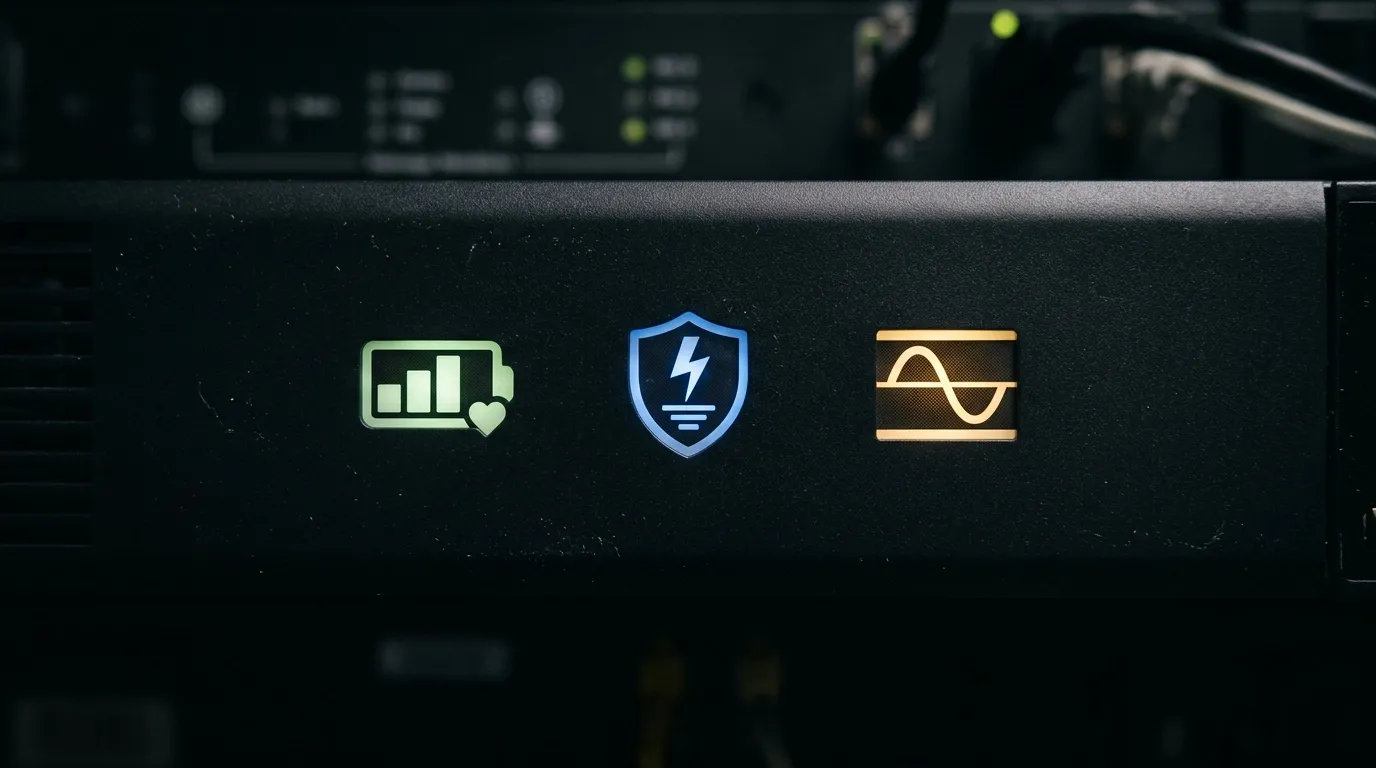
Modern UPS systems can include an LCD display that provides real-time information about load, battery status, runtime, and operating conditions, helping users monitor system performance without specialized diagnostic equipment.
For business-critical environments, network management, smart monitoring software, and hot-swappable batteries simplify remote administration and maintenance. These features can improve visibility while allowing battery replacement without shutting down protected equipment.
Read Also: The Best Power Distribution Solution for Your Needs
Tips for Maintaining Your UPS Backup Power to Ensure Longevity
Proper maintenance helps preserve UPS reliability, extend battery service life, and reduce unexpected downtime. Environmental conditions, electrical loading, and battery health should therefore remain part of a structured preventive maintenance program.
1. Proper Placement

Tips for Maintaining Your UPS Backup Power to Ensure Longevity: Proper Placement
Install the UPS in a cool, dry, dust-free environment with unobstructed ventilation openings. Adequate airflow prevents excessive heat accumulation, while reducing airborne contaminants helps protect cooling components and electronic circuitry.
Temperature is particularly important for UPS batteries. For lead-acid batteries, elevated temperatures can significantly shorten service life, making proper cooling, ventilation, and environmental monitoring essential for long-term reliability.
Read Also: Dallas Critical Power Supply & UPS Systems
2. Overload Prevention

Tips for Maintaining Your UPS Backup Power to Ensure Longevity: Overload Prevention
Avoid connecting high-power appliances such as laser printers, space heaters, copiers, or similar equipment to UPS-protected outlets. Their substantial startup or operating loads can exceed the unit’s rated capacity.
Maintain sufficient load headroom and periodically reassess connected equipment as infrastructure changes. Operating within the manufacturer’s specified capacity helps prevent overload conditions, unexpected shutdowns, and unnecessary stress on the UPS system.
Read Also: Air Conditioning Services Austin & Power Conditioning
3. Routine Battery Testing
Tips for Maintaining Your UPS Backup Power to Ensure Longevity: Routine Battery Testing
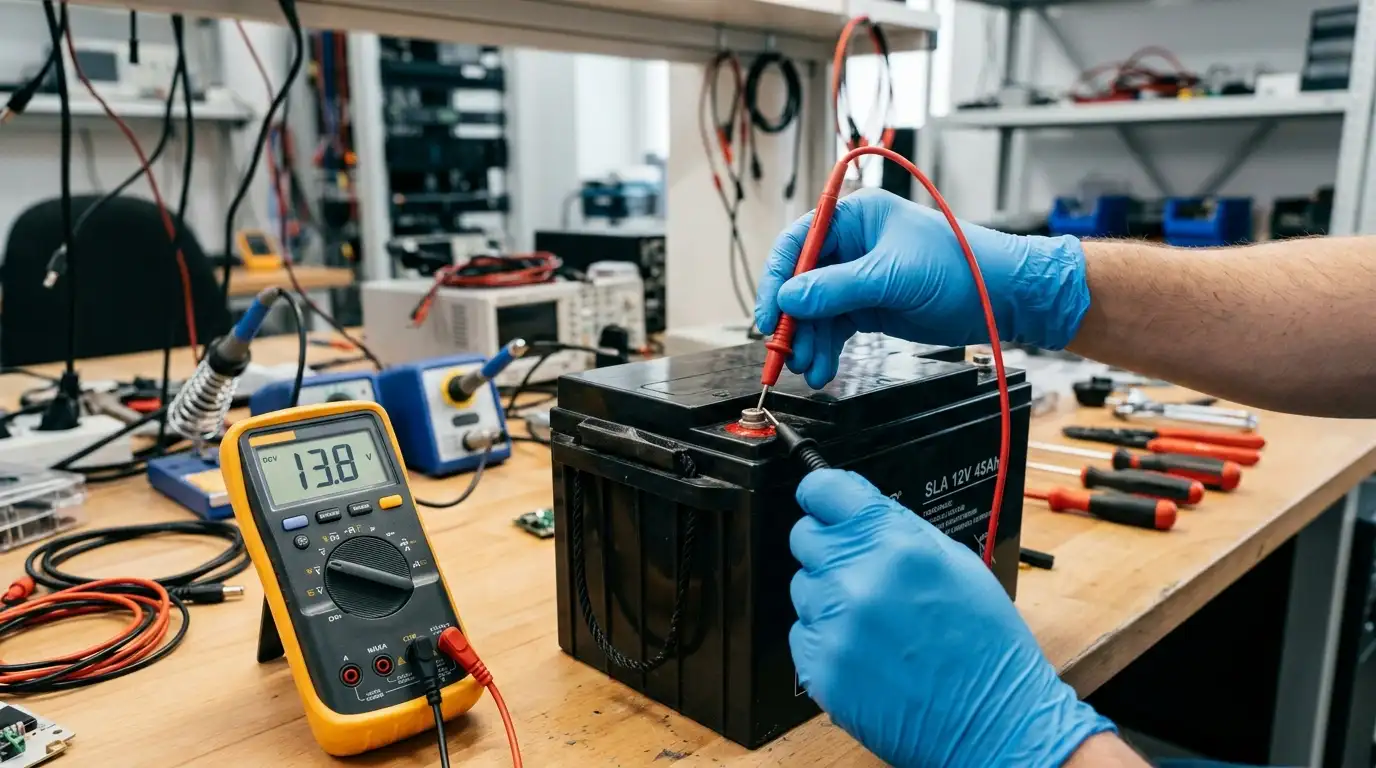
Routine battery testing helps identify declining capacity, abnormal voltage, and other indicators before an outage exposes weaknesses. Use built-in self-tests and manufacturer-recommended procedures to evaluate battery condition safely.
For larger systems, professional maintenance may include capacity testing, resistance measurements, voltage monitoring, and inspection of battery connections. Test frequency should follow manufacturer instructions and applicable maintenance standards rather than unnecessary deep discharges.
References:
- Eaton. (2025). UPS basics: Everything you ever wanted to know about uninterruptible power supplies but were afraid to ask. Eaton.
- Eaton. (2026). 9 common power problems. Eaton.
- Eaton. (2026). UPS fundamentals & FAQs: How to choose the right backup power solution. Eaton.