

A sudden blackout can instantly disrupt your work and destroy unsaved progress. An emergency ups battery backup acts as a safety shield for your valuable home and office electronics. It bridges the gap between a power failure and restoration by delivering instant auxiliary energy.
Modern workstations require a continuous, clean electrical current to operate efficiently without hardware degradation. Investing in the right power protection infrastructure guarantees peace of mind during unexpected grid failures. This guide will help you understand the core mechanics and options available today.
What is a UPS Battery Backup and Why Do You Need It?
What is a UPS Battery Backup and Why Do You Need It
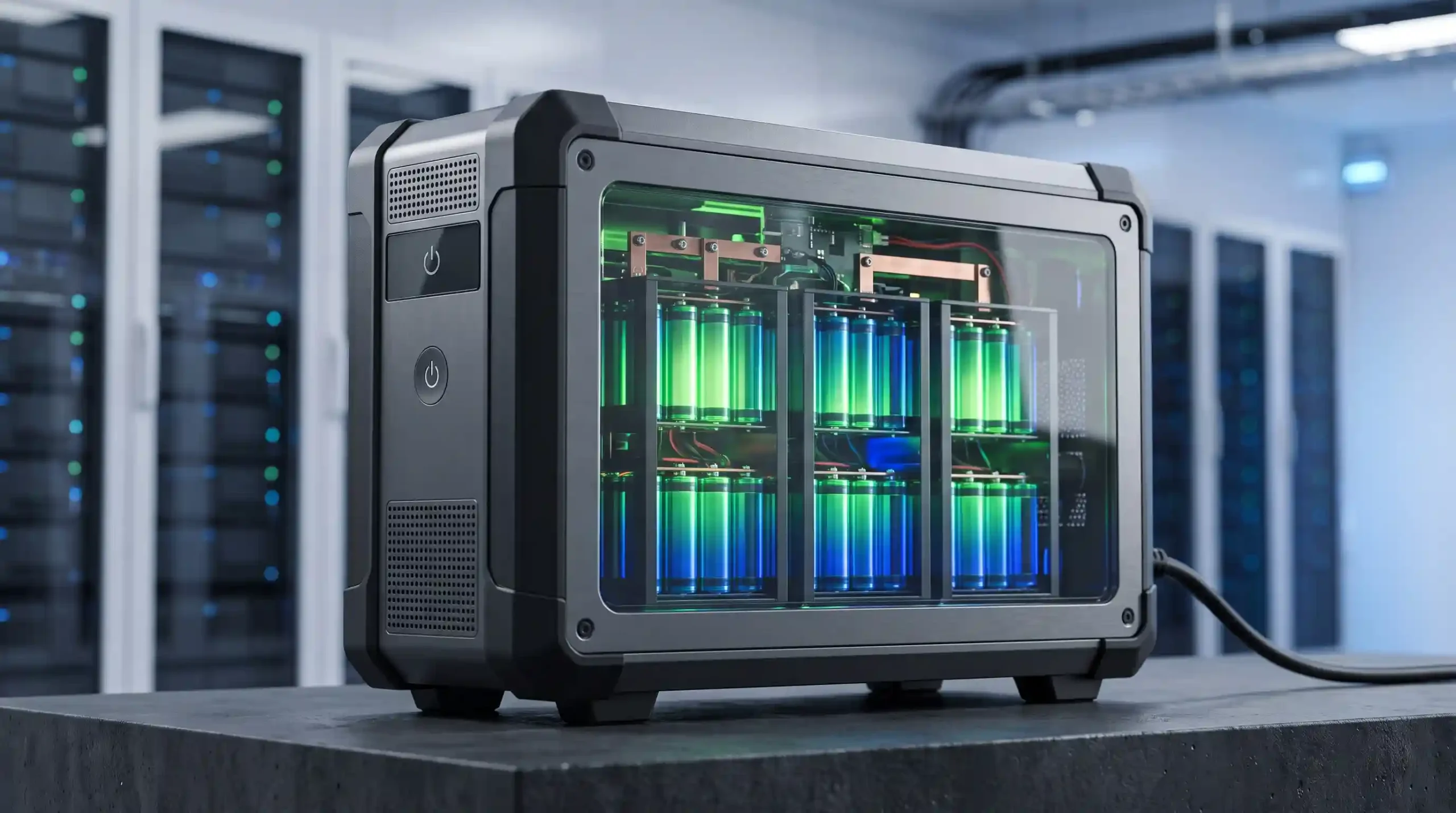
An uninterruptible power supply acts as an autonomous secondary energy reservoir for your electronics. It safeguards sensitive gear from sudden grid outages and erratic line behaviors.
1. Instant Power Outage Protection

Instant Power Outage Protection
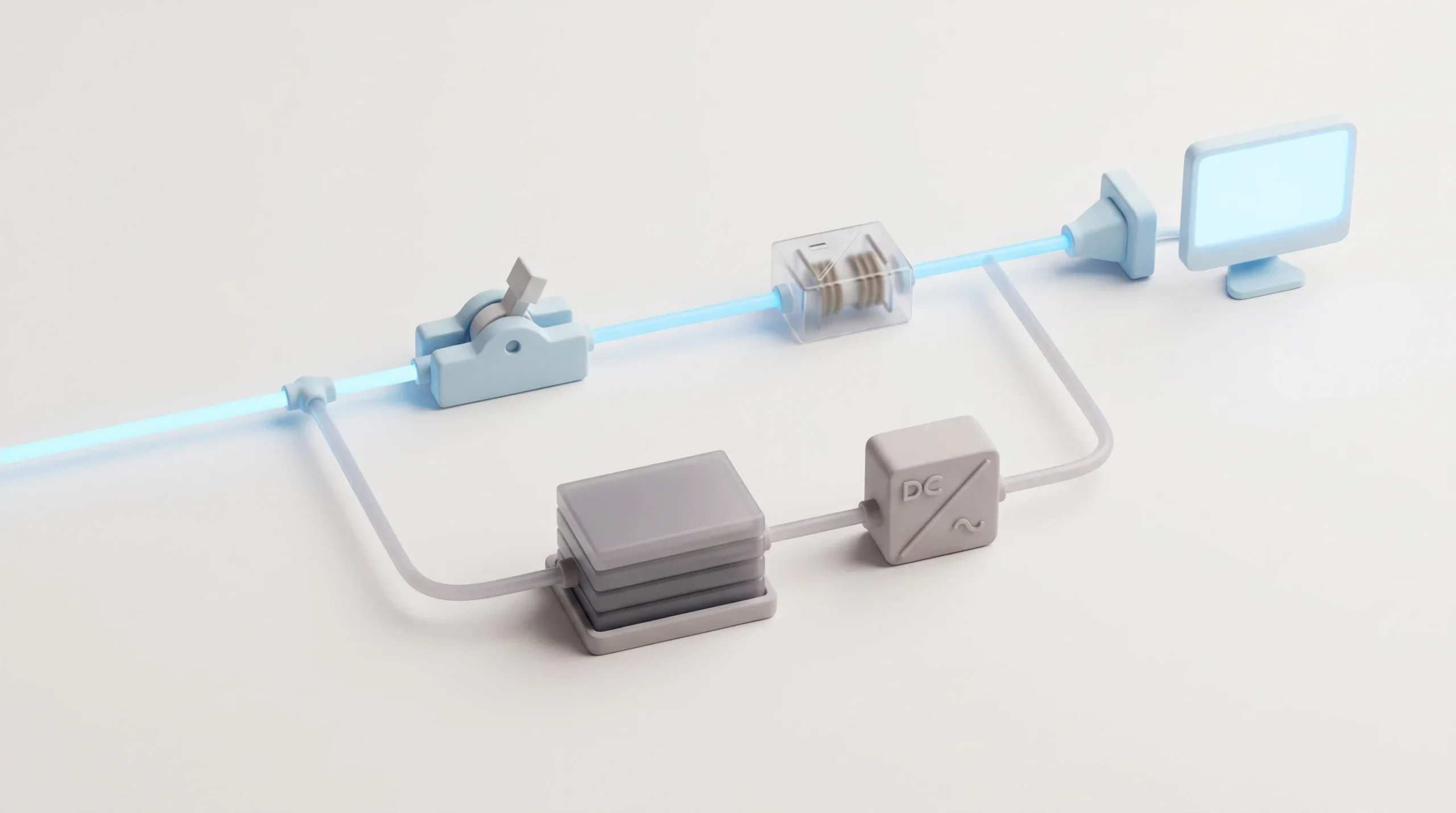
When the main utility power drops, this backup device switches to its internal reserves. This process happens seamlessly to keep your hardware running without rebooting.
It provides users with sufficient emergency runtime to finalize tasks. You can execute a safe shutdown sequence, preventing mechanical drive crashes and OS corruption.
Read Also: Static Transfer Switch: Components, How It Works & Benefits
2. Voltage Stabilization and Surge Protection

Voltage Stabilization and Surge Protection
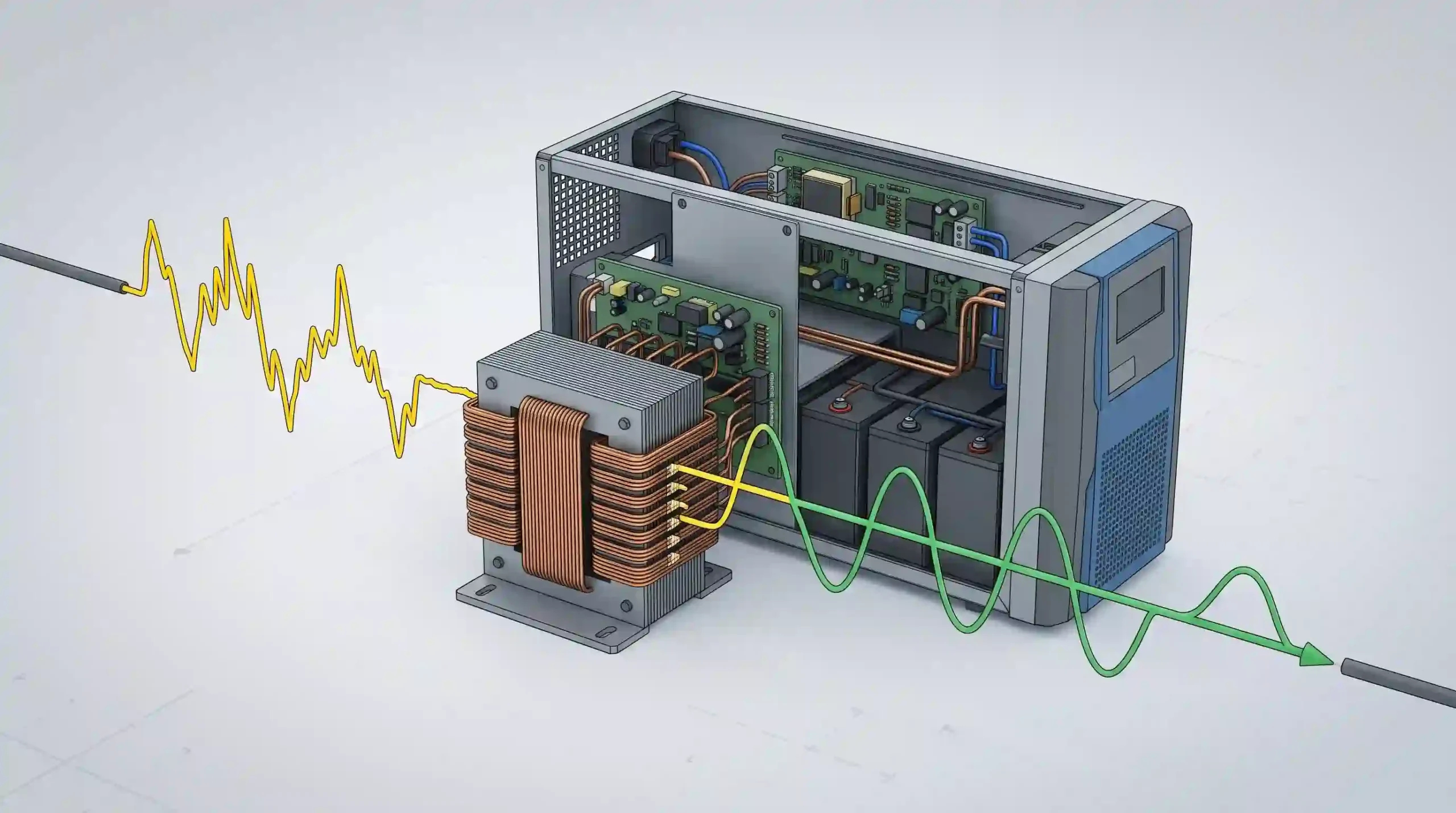
Electrical lines often experience dangerous voltage spikes and minor brownouts. The integrated line conditioning circuitry filters these anomalies before they reach your devices.
By stabilizing the alternating current, it prevents subtle micro-damage to internal circuitry. This constant regulation ensures your hardware receives a steady, optimized flow.
Read Also: Double Conversion UPS: Guide to Online Power Backup
3. Preventing Data Loss and Hardware Damage
Preventing Data Loss and Hardware Damage
A sudden loss of energy can corrupt active databases and vital system files. Essential infrastructure like an enterprise network router or data server requires constant uptime.
Unregulated electrical drops can physically fry delicate semiconductor components over time. Utilizing a robust defense system mitigates these costly logistical and financial risks.
Types of UPS Battery Backup Systems
Selecting the right architecture depends on your specific equipment sensitivity and regional grid stability. There are three primary configurations utilized in the industry.
1. Offline / Standby UPS

Types of UPS Battery Backup Systems is Offline or Standby UPS
This is the most cost-effective topology designed for basic home office setups. The system feeds raw utility power directly to the connected equipment under normal conditions.
During a failure, a transfer switch mechanical relay engages the internal inverter within milliseconds. This brief transfer time is perfectly suitable for standard desktop computers.
Read Also: UPS Generator Systems: Complete Power Protection Guide
2. Line-Interactive UPS
Types of UPS Battery Backup Systems is Line-Interactive UPS
This configuration features an internal automatic voltage regulator to handle minor power fluctuations. It corrects high or low input voltages without draining the reserve cells.
It is highly recommended for regions experiencing frequent, unpredictable brownouts. This design balances affordable consumer pricing with significantly enhanced grid filtering.
Read Also: Line-Interactive UPS Guide: Complete Power Protection
3. Online / Double-Conversion UPS

Types of UPS Battery Backup Systems is Online or Double-Conversion UPS
This premium architecture continuously converts incoming AC energy into DC, then back to pristine AC. It isolates connected equipment entirely from the public utility grid.
This advanced method completely eliminates any latency window, offering absolute zero transfer time. It is the gold standard for mission-critical medical clinics and large data centers.
Understanding the Battery Types Used in UPS Systems
The internal chemical composition directly determines the efficiency, lifespan, and footprint of your backup unit. Three main variants dominate the market.
1. SLA / VRLA (Sealed Lead-Acid)

Understanding the Battery Types Used in UPS Systems SLA or VRLA (Sealed Lead-Acid)
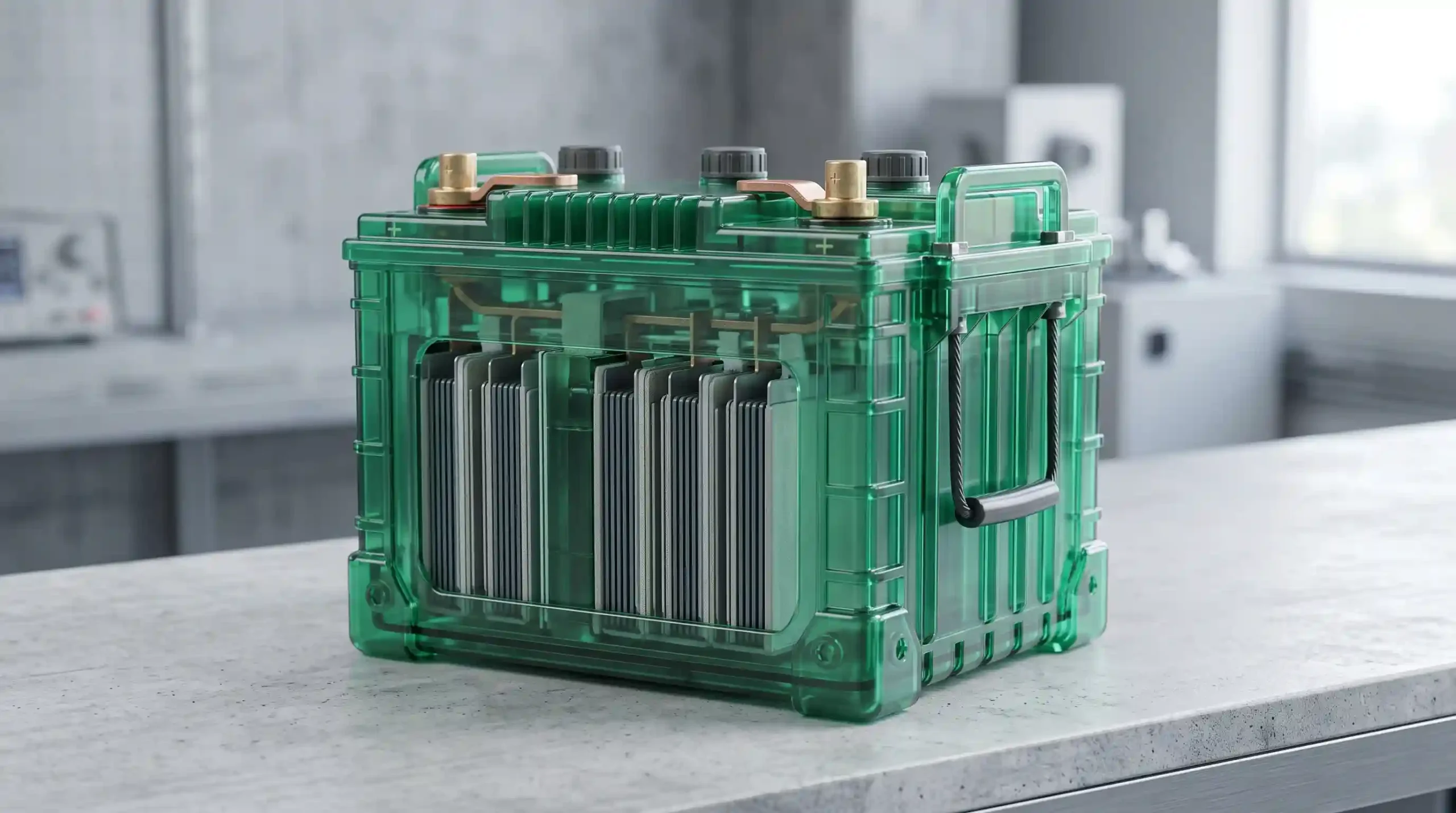
This traditional chemistry remains the most economical option for standard commercial applications. These valve-regulated cells are completely spill-proof and require zero maintenance.
They typically offer a functional lifespan spanning between three to five years. However, they are notably heavy and sensitive to deep discharge cycles.
Read Also: Backup UPS Systems: Ultimate Protection for Electronics
2. Lithium-Ion (Li-ion / LiFePO4)

Understanding the Battery Types Used in UPS Systems Lithium-Ion (Li-ion or LiFePO4)
Modern backup systems increasingly utilize lightweight lithium iron phosphate cells for superior performance. They deliver a substantially longer operational lifecycle than traditional configurations.
They feature high energy density and recharge at much faster rates. While the upfront investment is higher, the total cost of ownership is lower.
Read Also: Understanding Power Conditioners and UPS: Which Do You Need?
3. Nickel-Cadmium (NiCd)
Understanding the Battery Types Used in UPS Systems Nickel-Cadmium (NiCd)
These rugged cells are specifically engineered for harsh industrial environments and remote substations. They boast incredible resistance to extreme ambient temperatures without failing.
They require periodic maintenance over their long lifespan to prevent memory effects. Their high toxicity makes recycling them a strict regulatory process.
How to Calculate Your UPS Power Capacity and Runtime
Avoiding equipment failure requires matching your equipment load with the correct mathematical capacity. Under-sizing your backup unit will cause immediate system overloads.
1. The Basic Formula for Battery Capacity

How to Calculate Your UPS Power Capacity and Runtime is The Basic Formula for Battery Capacity
To determine your required wattage capacity, you must calculate the total load of your hardware. The foundational equation relies on multiplying energy draw by time.
The mathematical formula is expressed as: Battery Capacity (Wh) = Load Power (Watt) × Backup Time (hours). This metric gives you the absolute baseline required.
Read Also: What Is a Modular UPS? Its Benefits and How It Works
2. Real-World Calculation Example

How to Calculate Your UPS Power Capacity and Runtime is Real-World Calculation Example
Let us assume your combined workstation hardware demands a continuous load of 500 Watts. You require exactly 1 hour of autonomous emergency operation.
Using our formula, you will need a system rated for at least 500 Wh or 500 VAh. Always add a safety margin to accommodate future device expansions.
Best Practices for Maintaining Your UPS Battery Backup
Proper preventative maintenance ensures your emergency power source activates reliably when a disaster strikes. Neglecting your hardware will drastically shorten its operational life.
1. Avoid Overloading the System

Best Practices for Maintaining Your UPS Battery Backup is Avoid Overloading the System
Never connect high-draw appliances like laser printers or space heaters to your backup unit. These devices create massive inrush current demands that damage internal circuits.
Always check that the total equipment wattage stays below eighty percent of the maximum load capacity. This safety ceiling prevents unexpected system shutdowns during a crisis.
Read Also: Rack Mount UPS: Types, Functions, and Tips for Choosing
2. Maintain Optimal Room Temperature
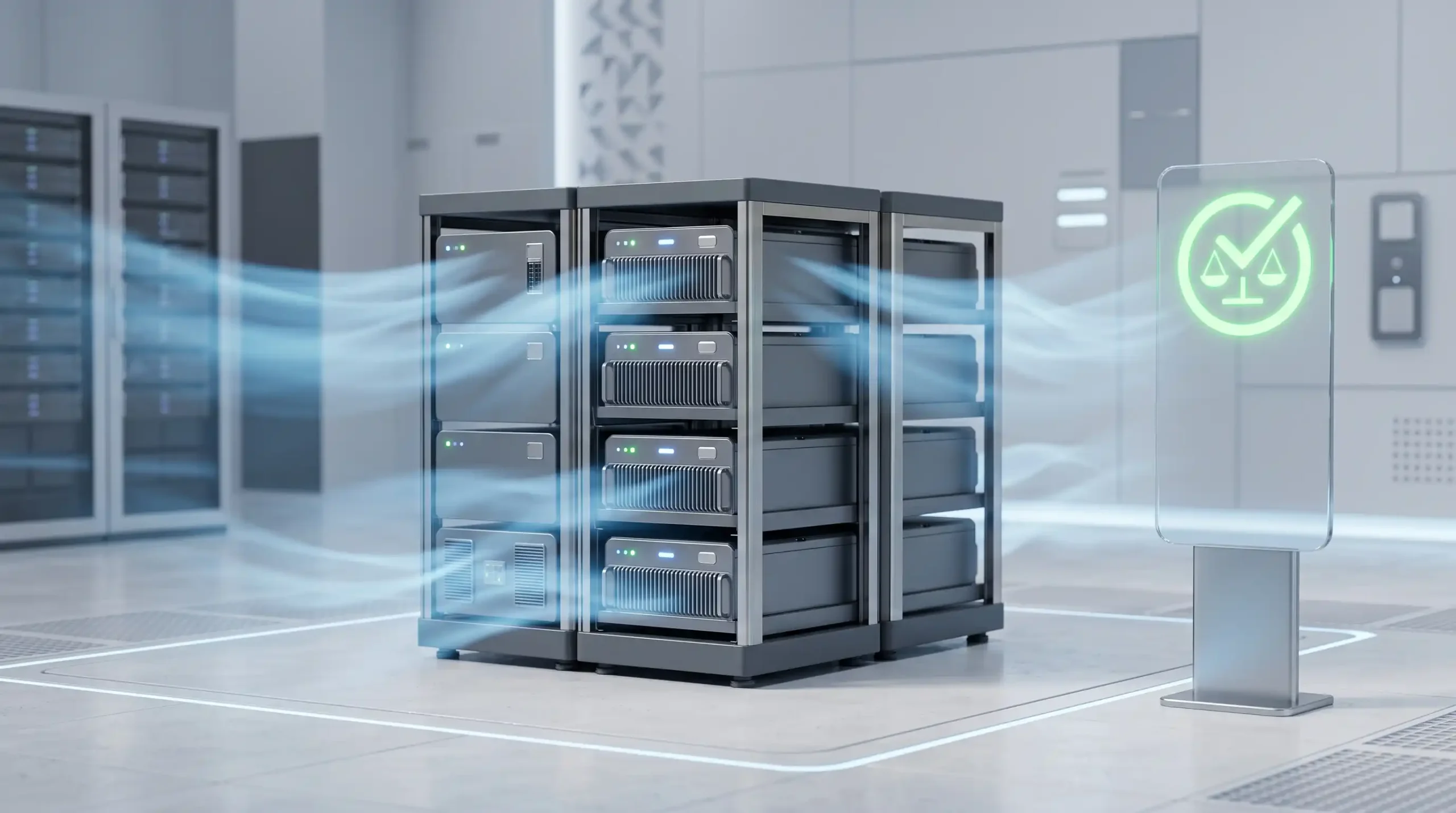
Best Practices for Maintaining Your UPS Battery Backup is Maintain Optimal Room Temperature
Chemical energy storage cells are incredibly sensitive to sustained ambient heat. High temperatures accelerate internal degradation and trigger premature thermal runaway risks.
Keep your equipment in a well-ventilated space maintained below 25°C. Avoid placing the chassis near heating vents or direct sunlight.
Read Also: UPS Maintenance Solutions: Prevent Costly Downtime
3. Perform Routine Battery Calibration
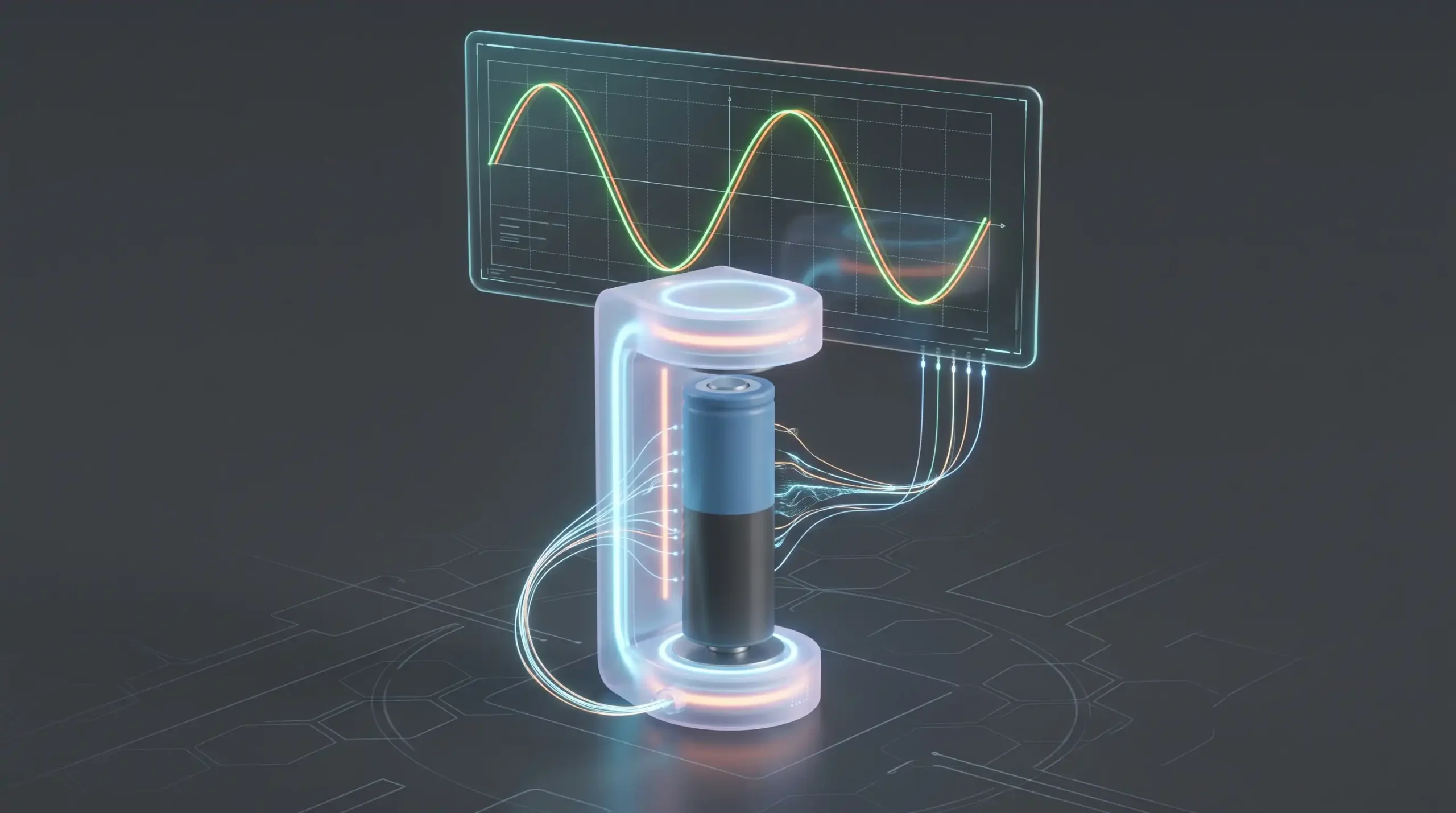
Best Practices for Maintaining Your UPS Battery Backup is Perform Routine Battery Calibration
If your local electrical grid is highly stable, your system reserves might remain dormant too long. Inactive cells suffer from internal stratification and capacity loss.
Execute a controlled deep discharge sequence every three to six months by disconnecting the main plug. This routine calibration keeps the internal chemistry active and accurate.